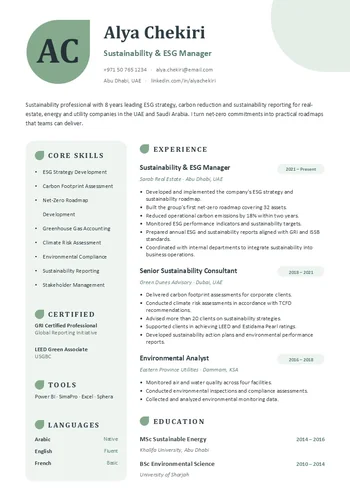
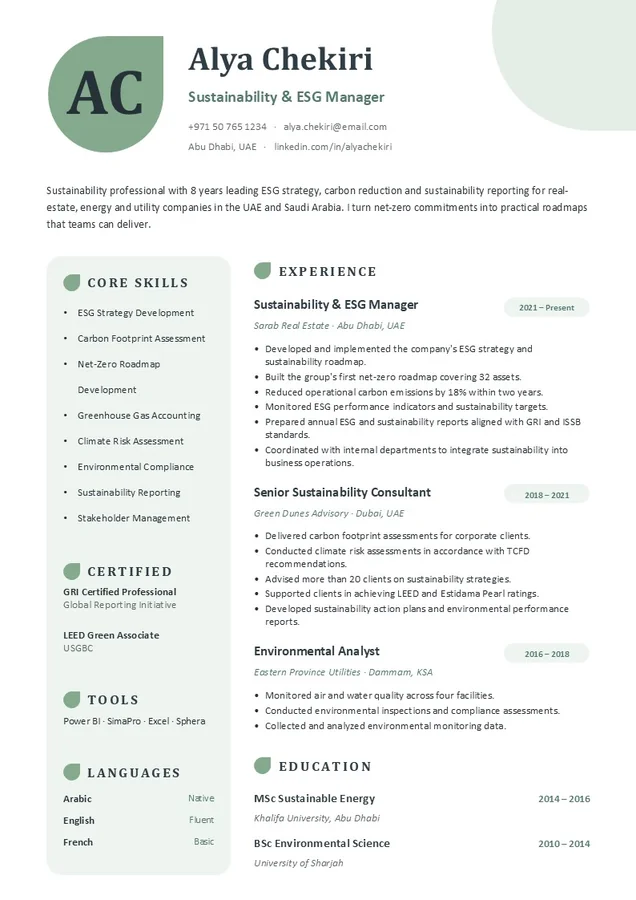
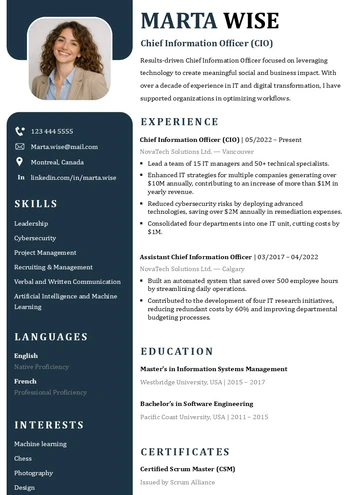
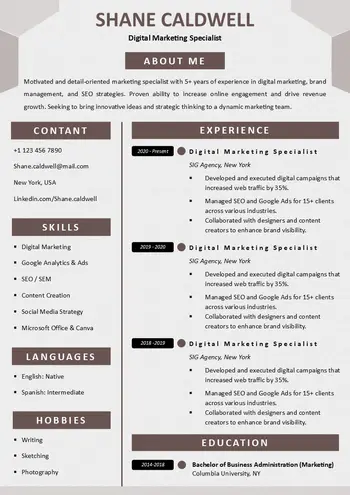
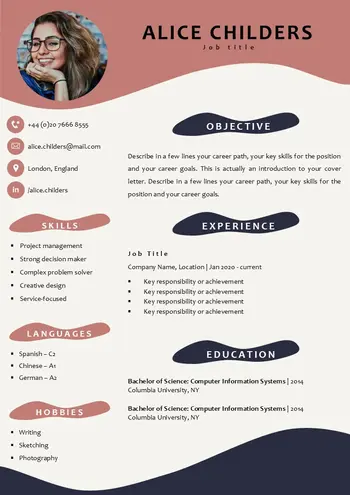
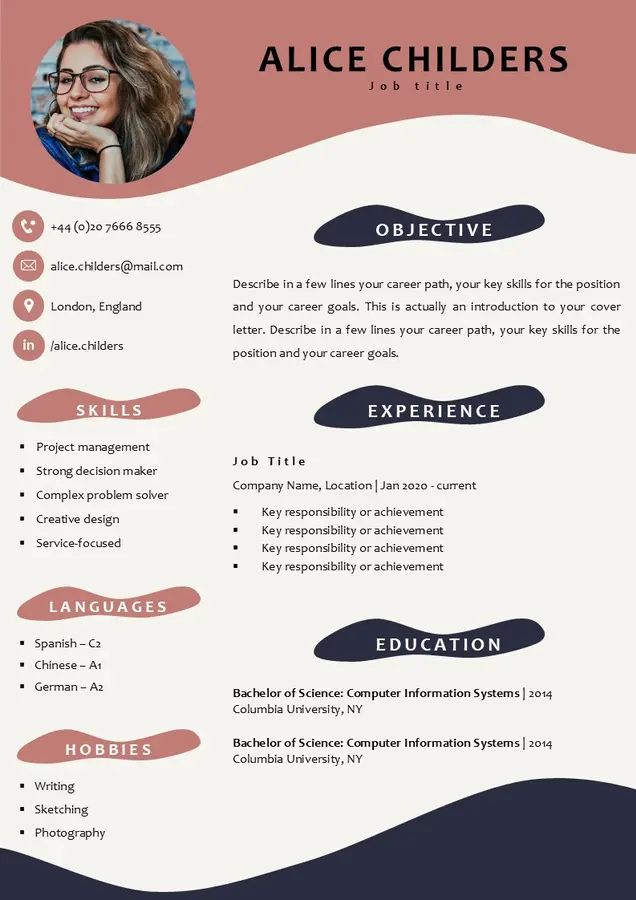
How to fill out this blank CV?
After downloading the blank CV template by clicking the download link at the bottom of the page, filling it out is easy and simple. Start by opening the template using the program you chose to download the compatible version with (Word or PowerPoint), either by double-clicking on the file or by opening the program and selecting “Open File.”
Edit all the text to suit your needs. You can also change or delete your profile picture if it’s not necessary.
Finally, save your CV as a PDF by clicking “File” and then “Export to PDF.”