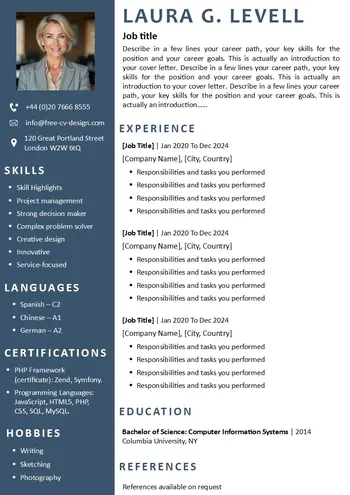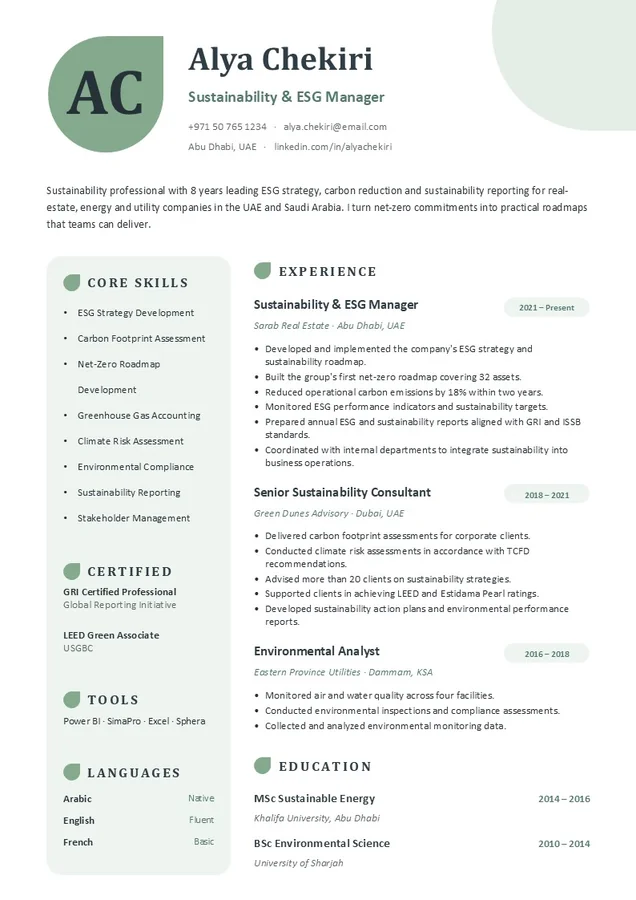
Recruiters receive hundreds of applications for each job and spend only a few seconds on each CV. Does your CV clearly present the experience, accomplishments, and skills required to make it past those few seconds and land an interview?
The optimal CV structure for the Gulf
Help recruiters quickly identify your profession, skills, and relevant experience this is an important advantage.
Core sections
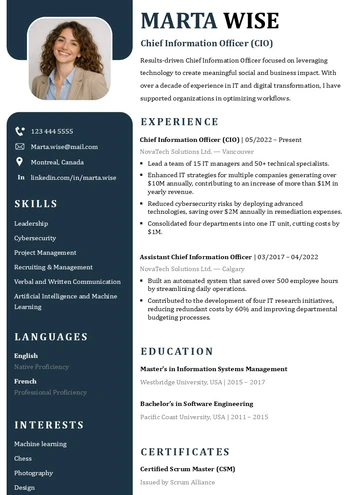
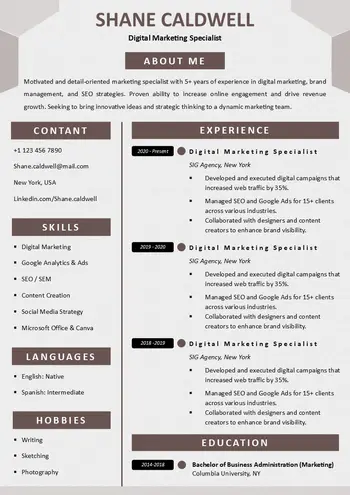
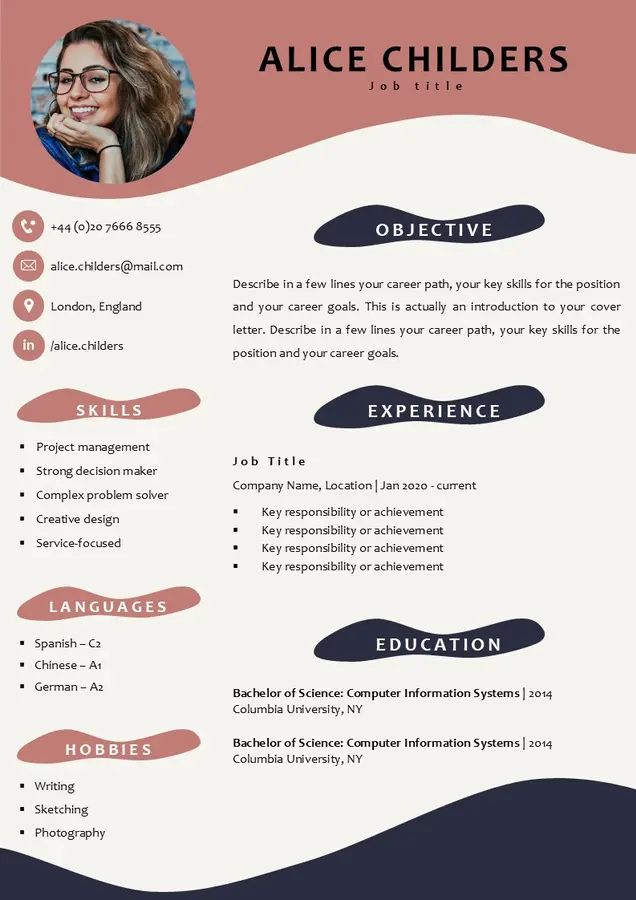
- Personal information and contact details: Full name, job title, phone number with country code, email address, city and country, and LinkedIn profile.
- Professional summary: A few lines summarizing your years of experience and area of expertise.
- Work experience: From most recent to oldest, including company name, city, dates, relevant responsibilities, and accomplishments.
- Education: Degree, field of study, university, and years of study.
- Skills: Technical and professional skills directly related to the job you’re applying for.
- Languages: Specify your proficiency level (Arabic and English are a major advantage in the Gulf region).
Optional sections
You can also enhance your CV with additional sections, such as:
- Profile photo
- Software and tools
- Nationality and residency or visa status
- Driver’s license
- Volunteer work and activities
- References
9 Tips for Writing a Successful CV in the Gulf
- Write your CV in English: Most private companies have an international focus, so they prefer English-language CVs. You can also prepare an Arabic version for government agencies or a bilingual version in Arabic and English.
- Keep your CV to one or two pages: One page is enough for candidates with moderate experience, while two pages may suit those with extensive experience.
- A photo is optional: If you choose to include one, make sure it’s recent and shows you in professional attire.
- Include your phone number with the country code: For example, +971 or +966. Make sure the number is reachable.
- Use keywords from the job posting: Many companies use applicant tracking systems (ATS) to screen CVs automatically, so tailor yours to the posting.
- List recognized professional certifications: International and local certifications can strengthen your profile.
- Tailor your CV to each position: Adjust the job title, summary, and order of your skills to match each posting, and don’t send the same version to every company.
How to download and edit this CV template?
- Download the template: From the section above, choose the format that works for you (Word or PowerPoint) and click the download link.
- Open the file: Open it in the program you chose, such as Microsoft Word, PowerPoint, Google Docs, or Google Slides.
- Enable editing: If the file opens in “Protected View,” click “Enable Editing” at the top of the page.
- Replace the placeholder information: Enter your name, job title, contact information, experience, and qualifications in place of the sample details.
- Tailor the content to the job: Adapt all the important sections to match the job posting.
- Save the CV as a PDF: From the “File” menu, choose “Save As” or “Export,” then select PDF to preserve the formatting when it’s opened on any device.
Discover a detailed article on how to download and edit our CV templates
Important: When saving, name the file with your full name followed by the advertised job title, such as Alya-Chekiri-Sustainability-ESG-Manager.pdf, so the recruiter can easily identify and find it.