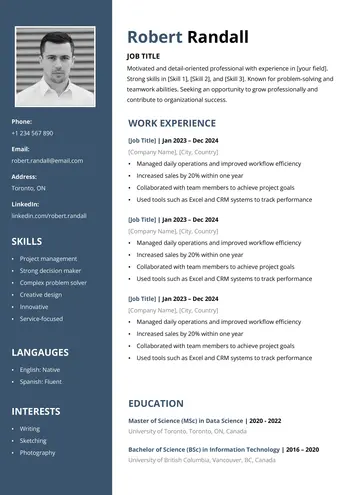
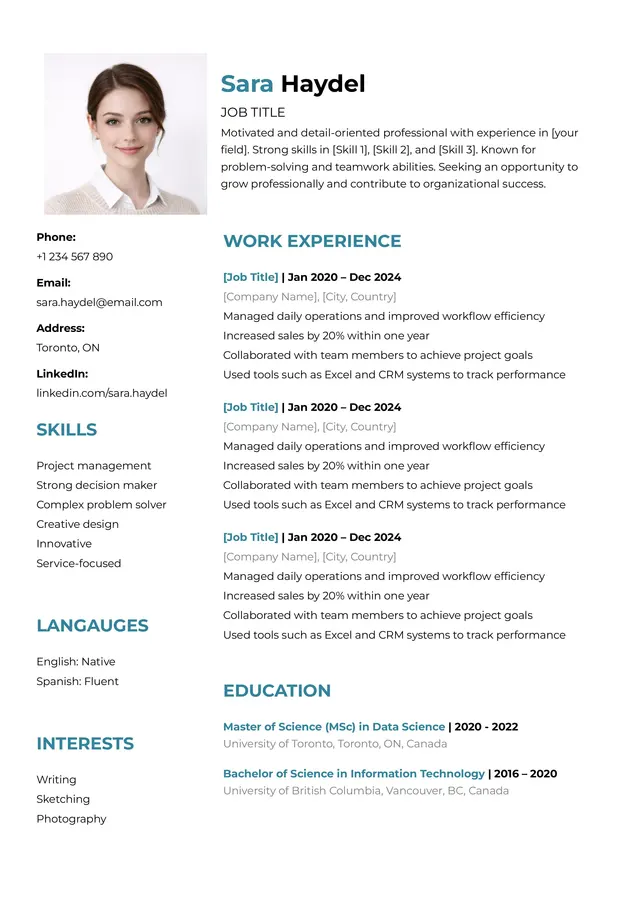
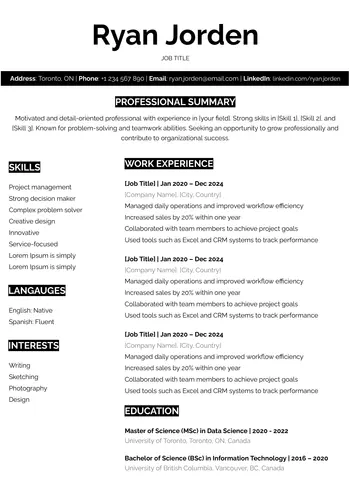
When applying for jobs online, your CV may first pass through an Applicant Tracking System (ATS) before it is reviewed manually by a recruiter. For this reason, it is important to use a clear and simple CV format that allows your information to be read easily. This is why this template was designed as an ATS-friendly CV template for Google Docs.
This template is suitable if you apply through job boards, company career pages, or online recruitment platforms. You can edit it easily in Google Docs, add relevant keywords from the job description, and then export it as a PDF or Word file depending on the employer’s requirements.
Why is an ATS-Friendly CV important?
An ATS-friendly CV is not mainly about creative design. It is about making your information clear, easy to scan, and closely matched to the job requirements.
tips for using this template:
- Use clear section headings such as Work Experience, Education, and Skills, without unusual labels or mistakes.
- Add job-related keywords, and review the job description before writing your CV. Avoid photos, icons, and unnecessary decorative elements.
- Keep the formatting simple and consistent.
- Export the file in the format requested by the employer, such as Word or PDF.
How to use this ATS CV template in Google Docs
To use this template, follow these steps:
- Click the download link below.
- Wait a few seconds while the links are prepared.
- Make a copy of the CV template to your Google Drive account.
- Customize it fully in Google Docs by editing the text, fonts, and personal information.
- Export it in the required format, such as PDF or Word.
You can download the template now by clicking the link below.
Common mistakes to avoid in an ATS-Friendly CV
Some mistakes can reduce the effectiveness of an ATS-friendly CV, so it is better to avoid them:
- Avoid placing important information inside complex tables.
- Use standard section names without spelling mistakes.
- Choose clear system-friendly fonts such as Arial, Times New Roman, or Calibri.
- Build your CV based on the requirements listed in the job posting.
- Do not export your CV as an image-based PDF.
- Do not scan a printed CV and turn it into an image PDF.
Download Your Resume/CV
You are one step away from downloading your free Resume/CV template! Click the button below to get your file instantly.