Free One Page CV Template for Google Docs
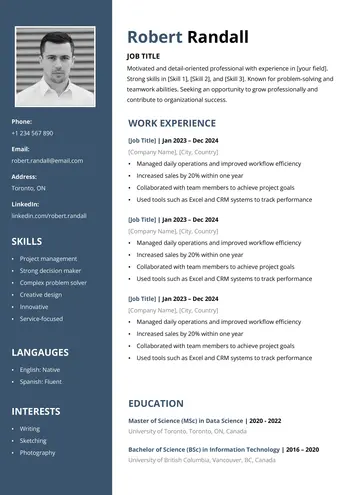
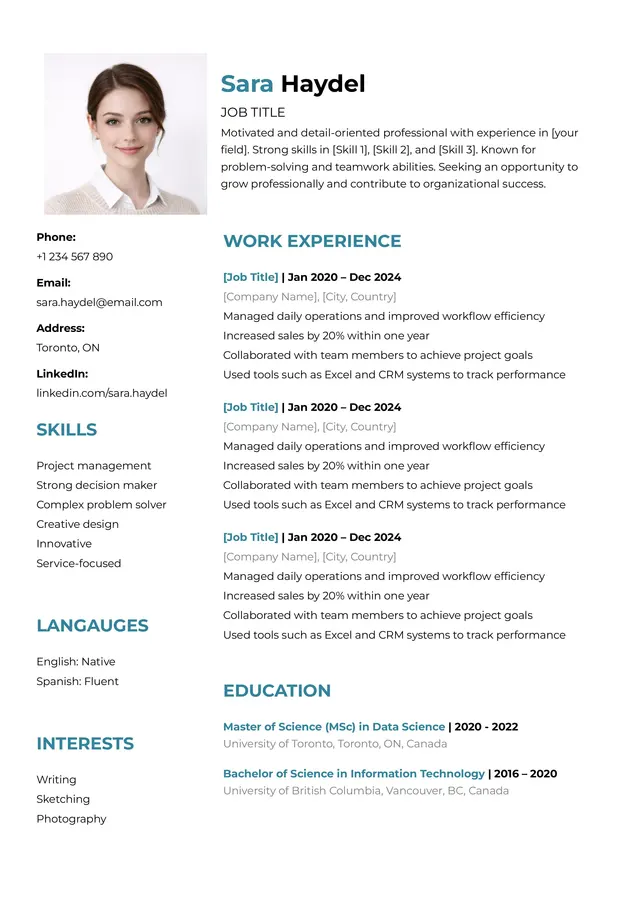
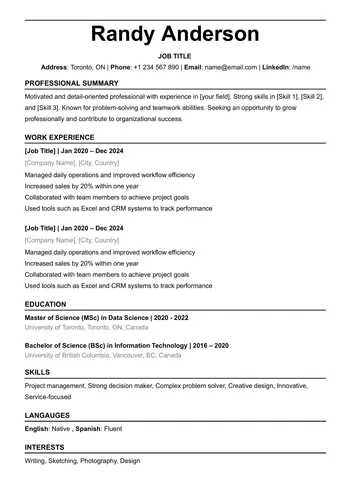
Download this free one-page CV template for Google Docs without any subscription or registration. This template is a practical choice if you want to present your professional profile in a short, clear, and well-organized format. It helps you highlight only the most important details, such as your contact information, work experience, education, skills, and languages.
Make a copy of this one-page CV template to your Google Drive account and edit it easily in Google Docs within minutes.
Features of this Google Docs CV Template:
- This Google Docs CV template comes in a one-page format, making it clear, concise, and easy for recruiters to read quickly.
- It is designed with tables to keep the spacing well organized and make editing simple.
- No photo placeholder is included, which helps keep the layout clean and professional.
- Ready to use directly in Google Docs.
- Uses a simple black-and-white color style for a clean and professional look.
- Available in two sizes: A4 and US Letter, so you can choose the format that fits your country or application needs.
- The template uses the Raleway font, which is already included in the Google Docs file.
You can also browse more free CV templates for Google Docs.
How to Use This One Page CV Template in Google Docs
Using this Google Docs CV template is simple. Just follow a few easy steps to customize it and get a clean, professional result:
- Click the download link below and wait a few seconds for the links to be prepared.
- Choose the paper size you prefer, then make a copy of the template to your Google Drive account.
- Replace the sample content with your correct information and customize the colors or fonts if needed.
- Export the CV template as a PDF so you can use it easily for job applications, email submissions, or printing.
Download Your Resume/CV
You are one step away from downloading your free Resume/CV template! Click the button below to get your file instantly.