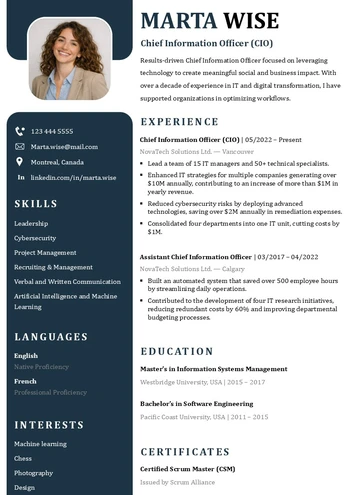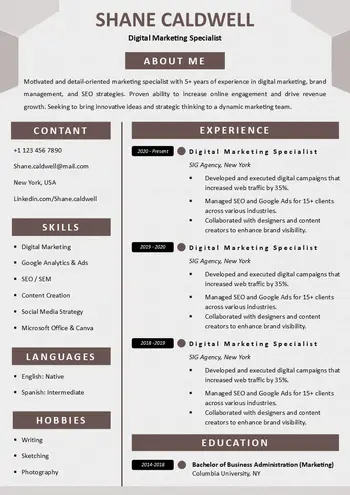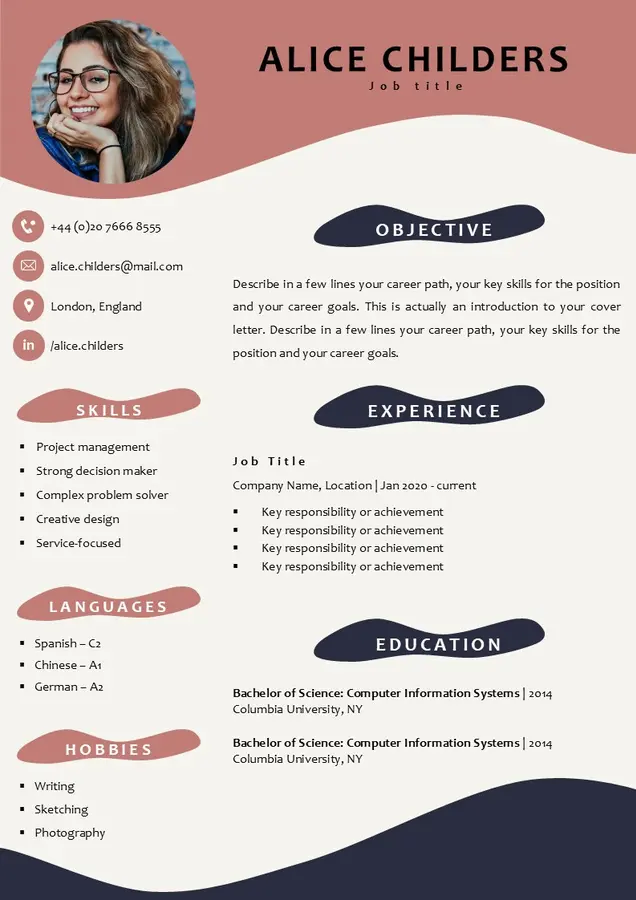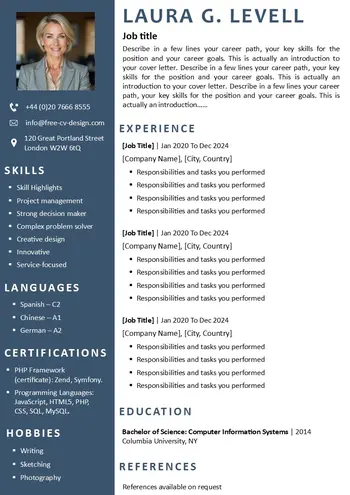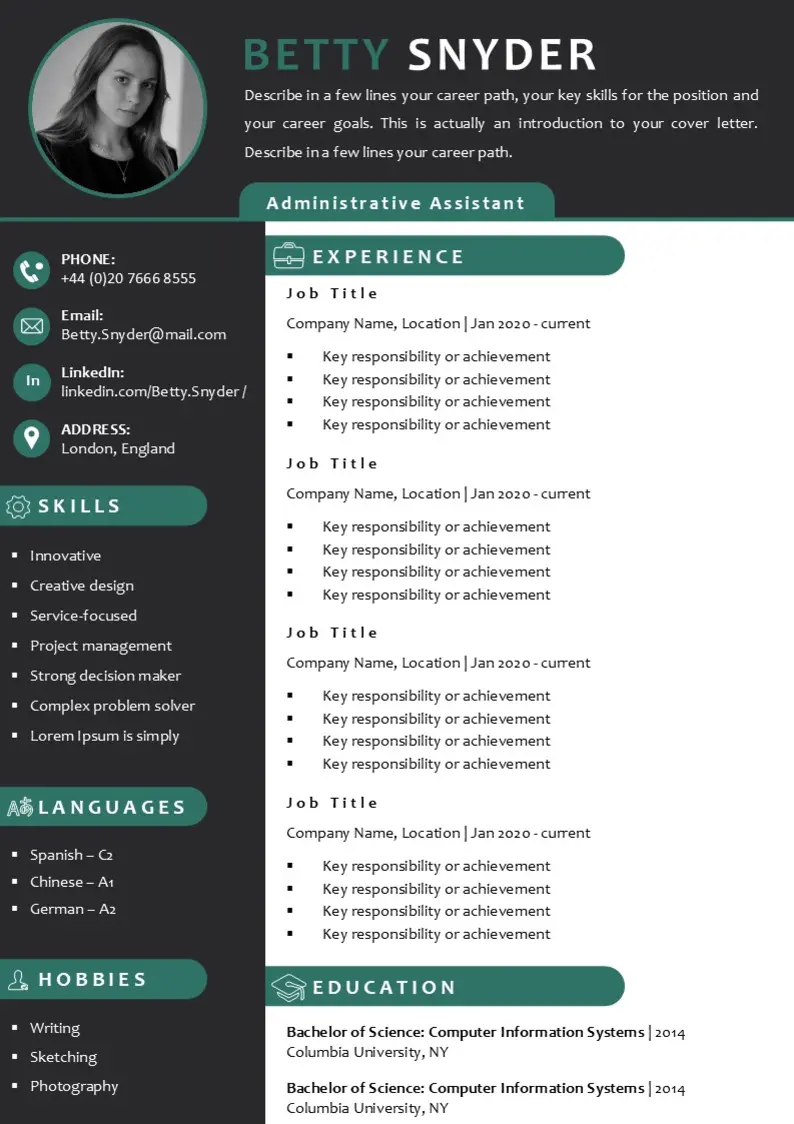
Free design resume template available in two formats: Word and PowerPoint
This resume without paying is free for download. By simply downloading the PowerPoint and Word template onto your computer, you can easily modify it to suit your needs. This comprehensive resume includes all the crucial sections typically found in a resume, such as SUMMARY, EXPERIENCE, EDUCATION, SKILL HIGHLIGHTS, COURSES, LANGUAGES, and HOBBIES.
To cater to different preferences, the template is available in two sizes, A4 and US Letter. Moreover, its visually appealing colors add a positive touch to your profile. With its convenient two-column design, you’ll have ample space to input all your information accurately. Waste no time and download this impressive resume right away, without having to pay a single cent!
Download Your Resume/CV
You are one step away from downloading your free Resume/CV template! Click the button below to get your file instantly.

Not everyone can afford paid resume creation services. That’s why our website, Free-resume-design, offers a fully downloadable free resume template that allows you to create an effective resume without having to pay.
Steps to Use the Free resume Template Without Paying
When using this free resume template to create your resume, it’s important to follow a few steps to achieve good results.
1. Download the template for free:
Just click the download link, whether in Word or PowerPoint format and in A4 or US size. The resume template will be automatically created on your device.
2. Customize the template:
Although the template is completely free, you can customize it in terms of colors, fonts, and even layout. Add the sections that suit you and delete those that don’t apply to the position.
3. Proofread Your Resume
Before saving your resume, be sure to read it over several times. This will allow you to avoid spelling or grammatical errors. A thorough proofread will ensure your resume looks professional.
4. Export your resume to PDF
To complete your free document, export your resume to a PDF file. Once you’ve finished your resume, click File > Save As. Give your file a name, then select PDF from the file type. Your file will then be available for uploading to job sites or email.
By following these top steps, you can get the most out of your free resume template without paying and create a powerful resume that will help you stand out in your job search.